News

How Does the Magic Keyboard Transform Your Productivity Experience?

2026-04-07 0 Leave me a message

Article Summary

The Magic Keyboard has become a benchmark for modern typing solutions, offering a seamless blend of portability, ergonomic design, and advanced functionality. Whether you're a professional, student, or casual user, choosing the right keyboard directly impacts efficiency, comfort, and overall workflow.

This article explores how the Magic Keyboard enhances productivity, addresses common user pain points, and provides practical insights into selecting and using the right model. You will also find structured comparisons, usage tips, and answers to frequently asked questions to support informed decision-making.

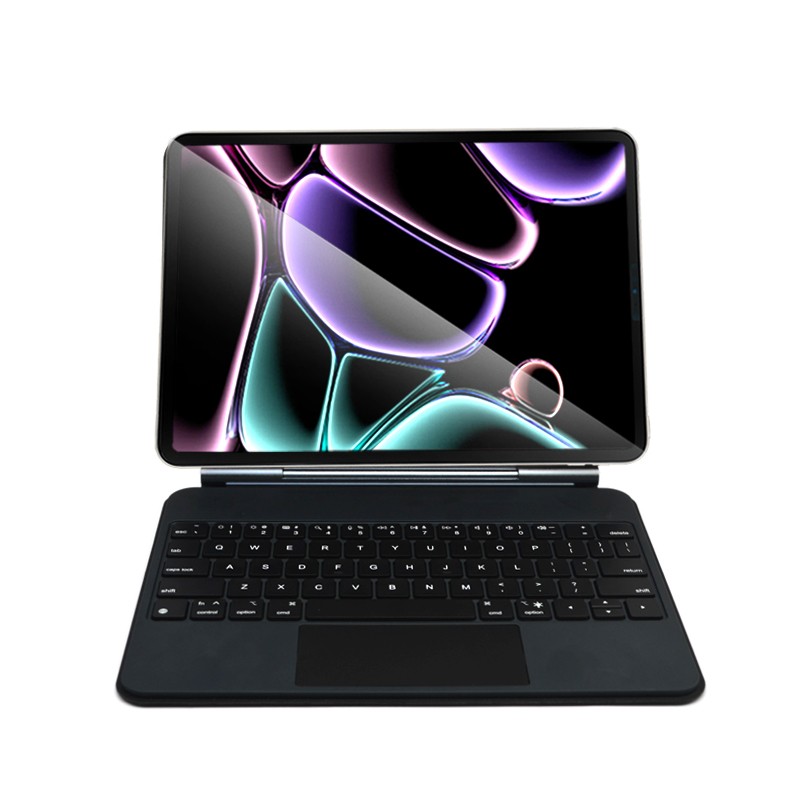
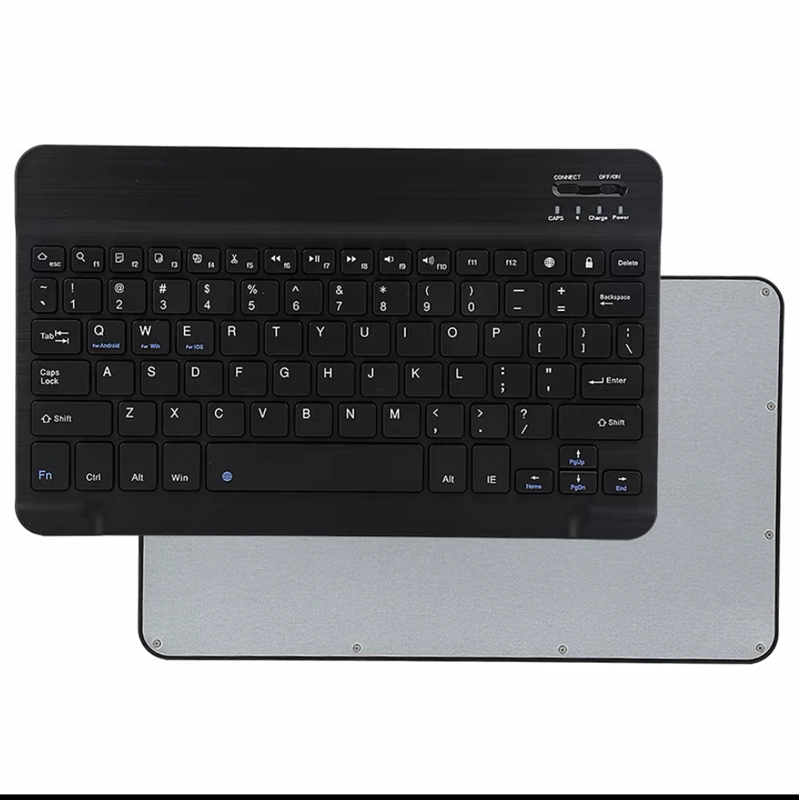
Aluminum Alloy Magic Keyboard

Table of Contents


1. Understanding the Magic Keyboard

The Magic Keyboard represents a modern evolution in input devices, combining precision engineering with minimalist aesthetics. Unlike conventional keyboards, it emphasizes low-profile keys, stable scissor mechanisms, and optimized key travel to deliver a responsive typing experience.

Its wireless connectivity and rechargeable battery design eliminate cable clutter while ensuring consistent performance. For mobile professionals, this portability becomes a critical advantage in maintaining productivity across different environments.


2. Key Features That Improve Productivity

  • Responsive Key Mechanism: Ensures accurate typing with minimal effort.
  • Ergonomic Layout: Reduces wrist strain during long work sessions.
  • Wireless Connectivity: Enhances workspace flexibility and organization.
  • Long Battery Life: Supports uninterrupted usage for extended periods.
  • Integrated Trackpad (on select models): Enables multi-touch gestures and reduces dependency on external devices.

These features collectively streamline workflows by minimizing friction between user intent and system response, ultimately improving task completion speed and accuracy.


3. Common User Pain Points and Solutions

Pain Point 1: Typing Fatigue

Many users experience fatigue due to poorly designed keyboards. The Magic Keyboard addresses this with optimized key resistance and spacing.

Pain Point 2: Limited Portability

Traditional keyboards are often bulky. A slim, lightweight design makes transportation effortless.

Pain Point 3: Connectivity Issues

Stable wireless technology ensures consistent connections without frequent interruptions.

Pain Point 4: Workspace Clutter

Eliminating cables contributes to a cleaner and more organized work environment.


4. Comparison Table: Magic Keyboard vs Traditional Keyboards

Feature Magic Keyboard Traditional Keyboard
Design Slim and modern Bulky and conventional
Connectivity Wireless Mostly wired
Portability Highly portable Limited
Typing Experience Precise and quiet Varies widely
Workspace Efficiency Clutter-free Cable-dependent

5. Practical Tips for Maximizing Efficiency

  • Keep the keyboard firmware updated to ensure optimal performance.
  • Use keyboard shortcuts to reduce reliance on mouse navigation.
  • Maintain proper posture while typing to avoid strain.
  • Regularly clean the keyboard to preserve responsiveness.
  • Pair the keyboard with compatible devices for seamless integration.

Implementing these practices can significantly enhance your overall typing experience and productivity.


6. Choosing the Right Magic Keyboard

Selecting the right Magic Keyboard depends on your specific needs. Consider factors such as device compatibility, usage scenarios, and additional features like integrated trackpads or backlighting.

Guangzhou Purui Technology Co., Ltd. specializes in advanced keyboard solutions designed to meet diverse user requirements. Their expertise ensures high-quality manufacturing standards and reliable product performance across different applications.

When evaluating options, prioritize durability, ergonomic comfort, and long-term usability to achieve the best return on investment.


7. FAQ

Q1: Is the Magic Keyboard suitable for long typing sessions?

Yes, its ergonomic design and responsive keys make it ideal for extended use.

Q2: How long does the battery last?

Battery life varies by usage but typically supports several weeks on a single charge.

Q3: Can it connect to multiple devices?

Many models support multi-device pairing, allowing easy switching.

Q4: Is it worth the investment?

If productivity, portability, and comfort are priorities, it offers significant value.


Enhancing your workflow starts with choosing the right tools. The Magic Keyboard is more than just an accessory—it is a productivity enabler designed for modern demands.

Looking to upgrade your typing experience? Contact Guangzhou Purui Technology Co., Ltd. today to explore high-quality Magic Keyboard solutions tailored to your needs—contact us now to get started!

Related News
Leave me a message
X
We use cookies to offer you a better browsing experience, analyze site traffic and personalize content. By using this site, you agree to our use of cookies. Privacy Policy
Reject Accept